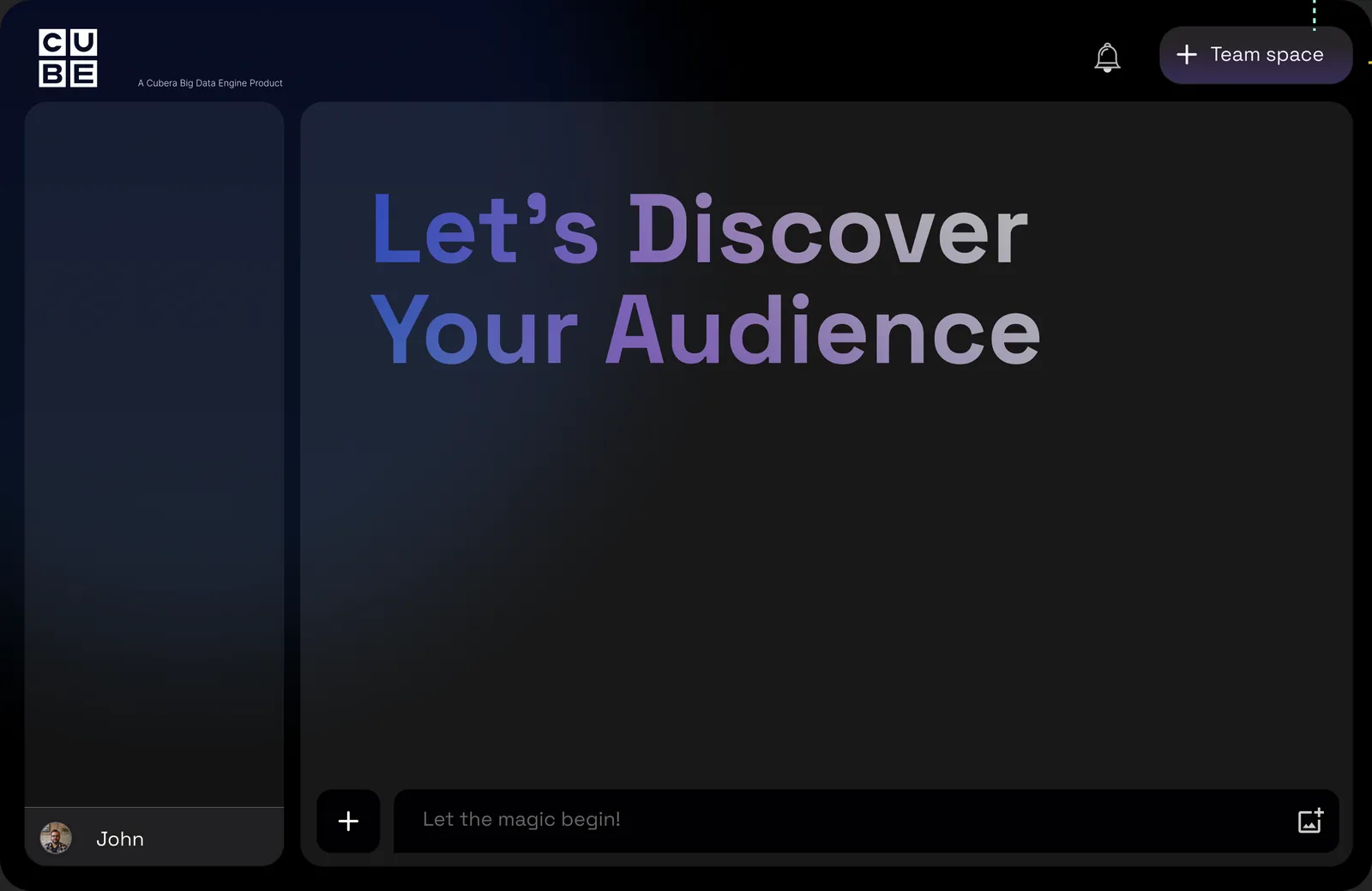
Cube Audience Manager is a product from Cubera’s big data engine. A brand team describes who they are and who they sell to, talks it through with Cube AI, and gets back the audience cohort to plan a campaign around. We designed the product: every flow, from the first “Let’s discover” to the cube that turns while the data is crunched.
Step 01 · The film
Forget you’re navigating.
A good interface shows you where to go. A great one makes you forget you’re navigating. A 26-second film of the product, cut from the real screens: from the first “Let’s discover” to the cube that turns while the data is crunched.
Step 02 · The idea
Big data, asked like a conversation.
Audience research usually means spreadsheets and a long brief. Cube turns it into a few friendly questions, a team chat and one button. Four rules shaped every screen.
One home
A chat-style dashboard is the hub for campaigns and team spaces. The profile menu holds everything else.
A form that plays
Audience questions become avatars, sliders and illustrations, one question per screen.
Built for teams
Each brand gets a team space. Members brainstorm there, and Cube AI joins in with questions.
Nothing extra
Clean, dark and uncluttered. Hard jobs are split into small steps with clear instructions.
Step 03 · Personality
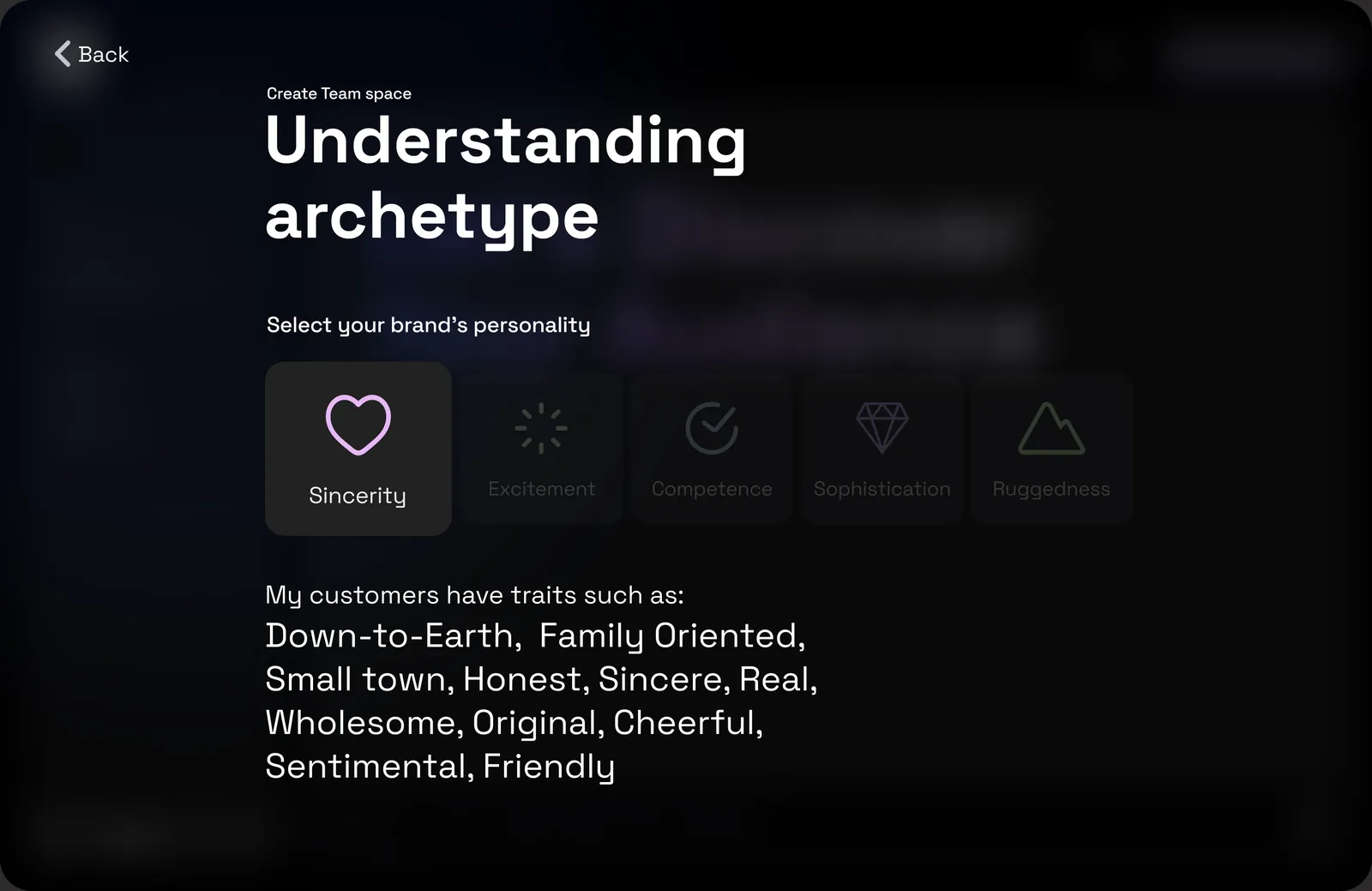
Five ways a brand can feel.
Setting up a team space starts with the brand, not the data. Pick the personality that sounds most like your customers. Hover an option in the product to see its traits; here, tap one.
Step 04 · Archetype
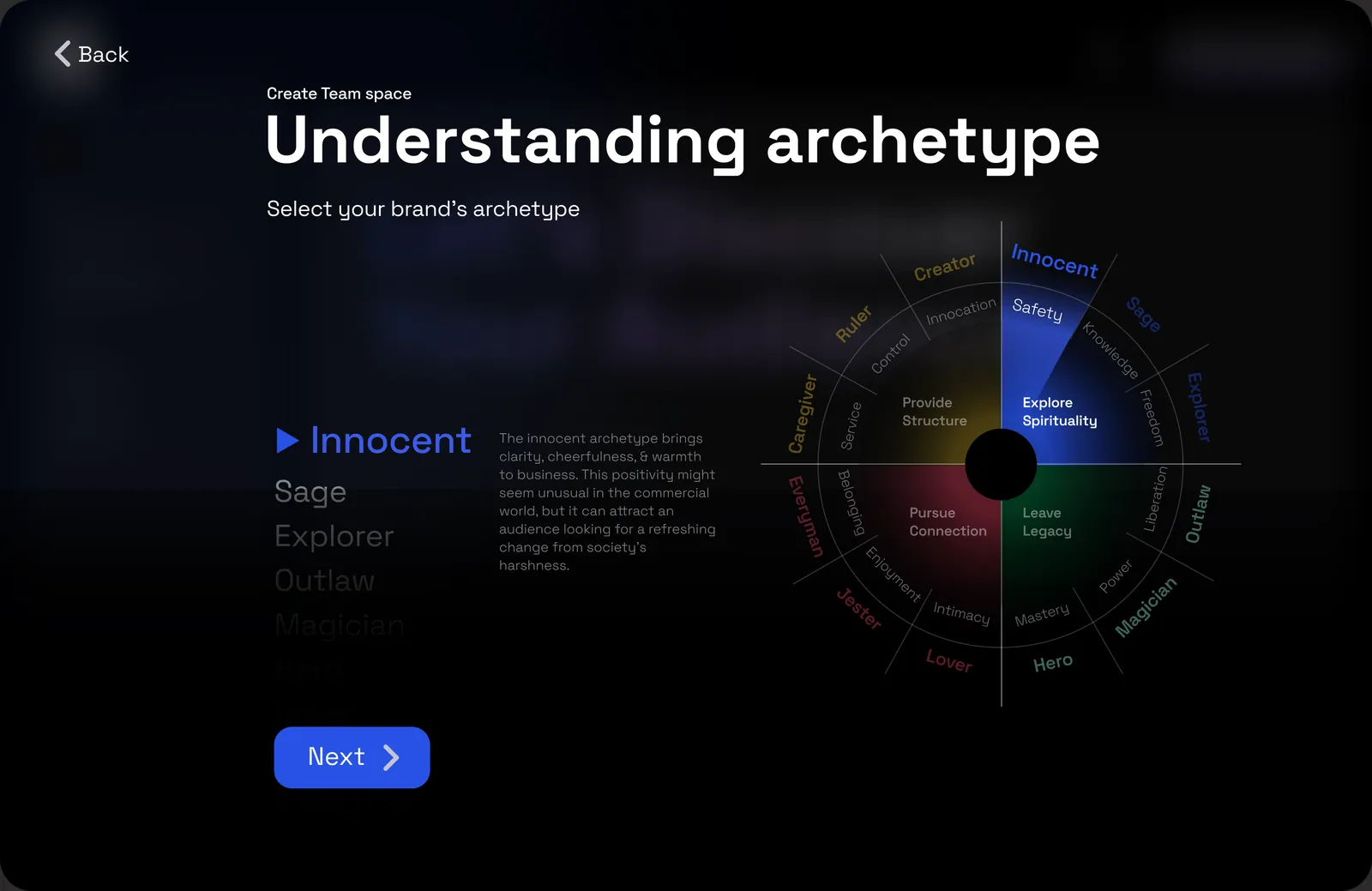
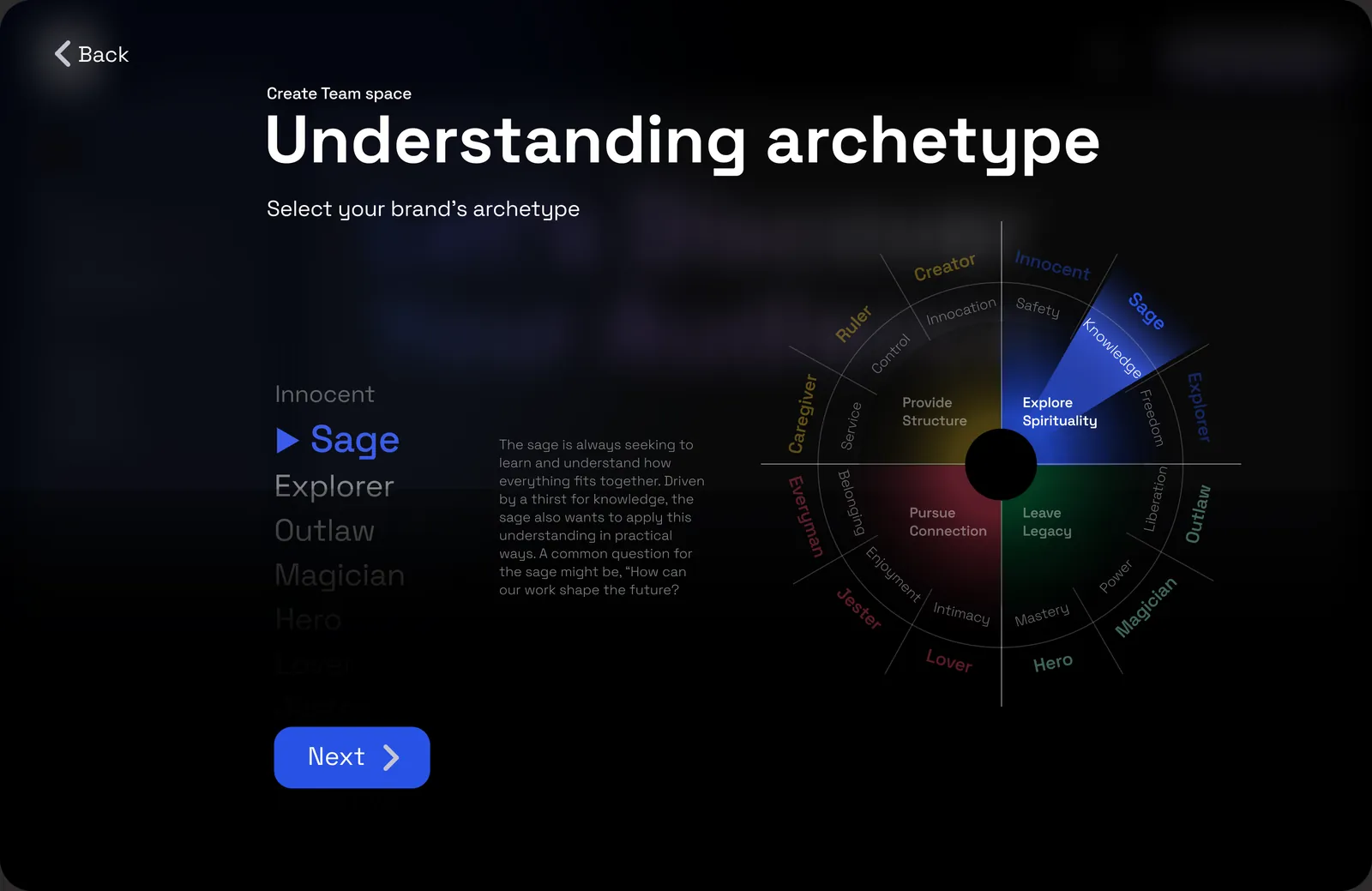
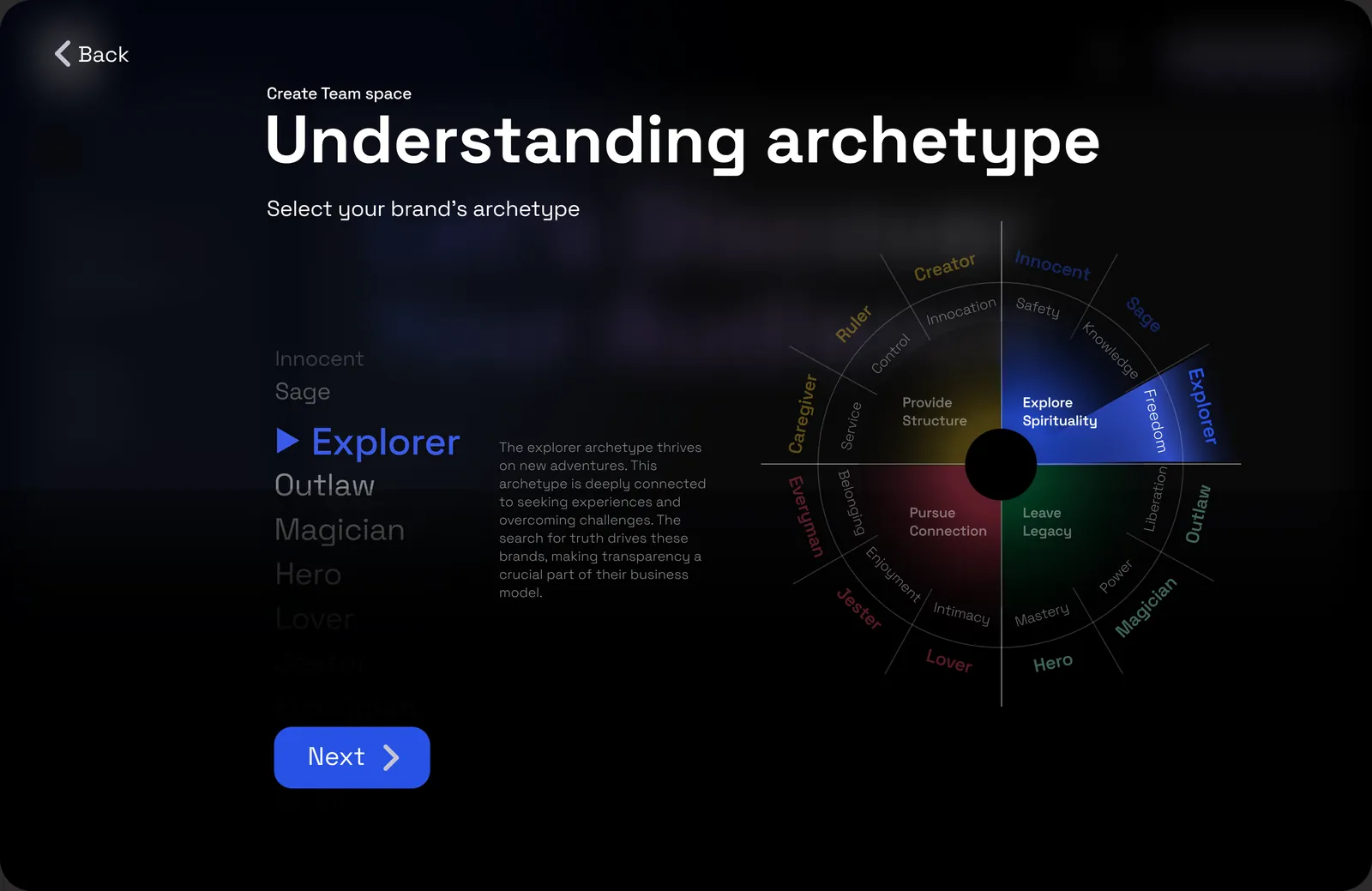
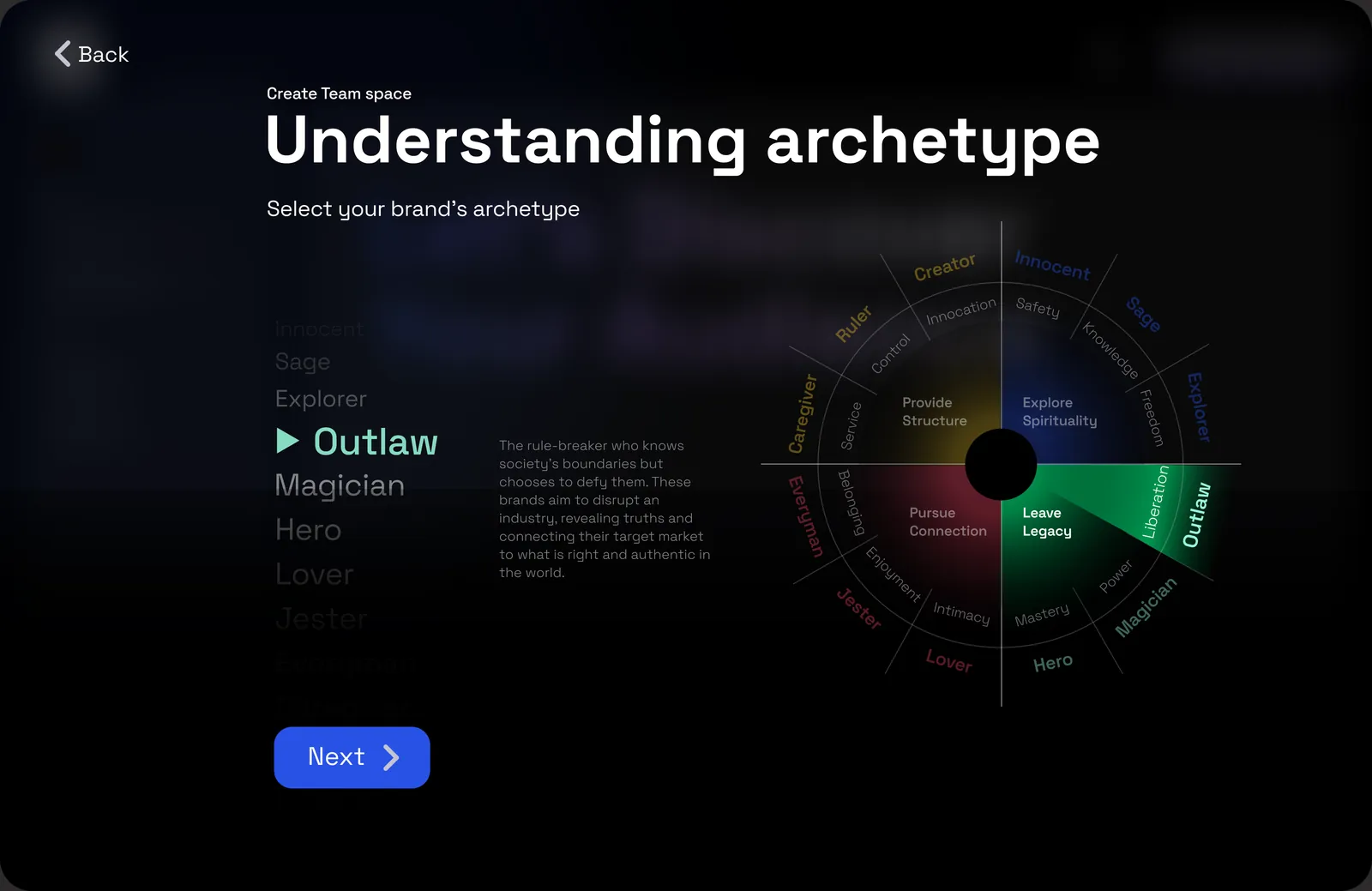
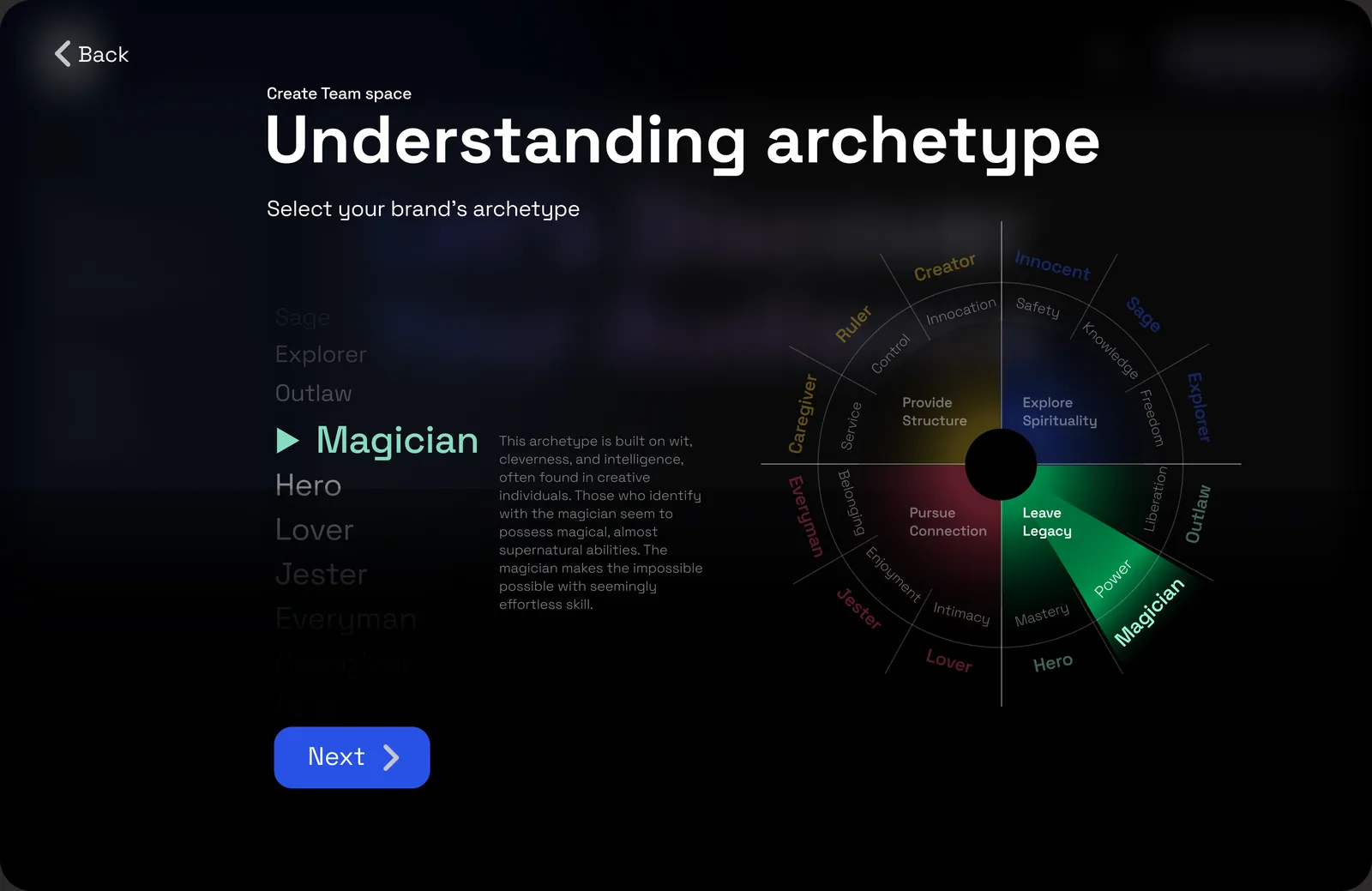
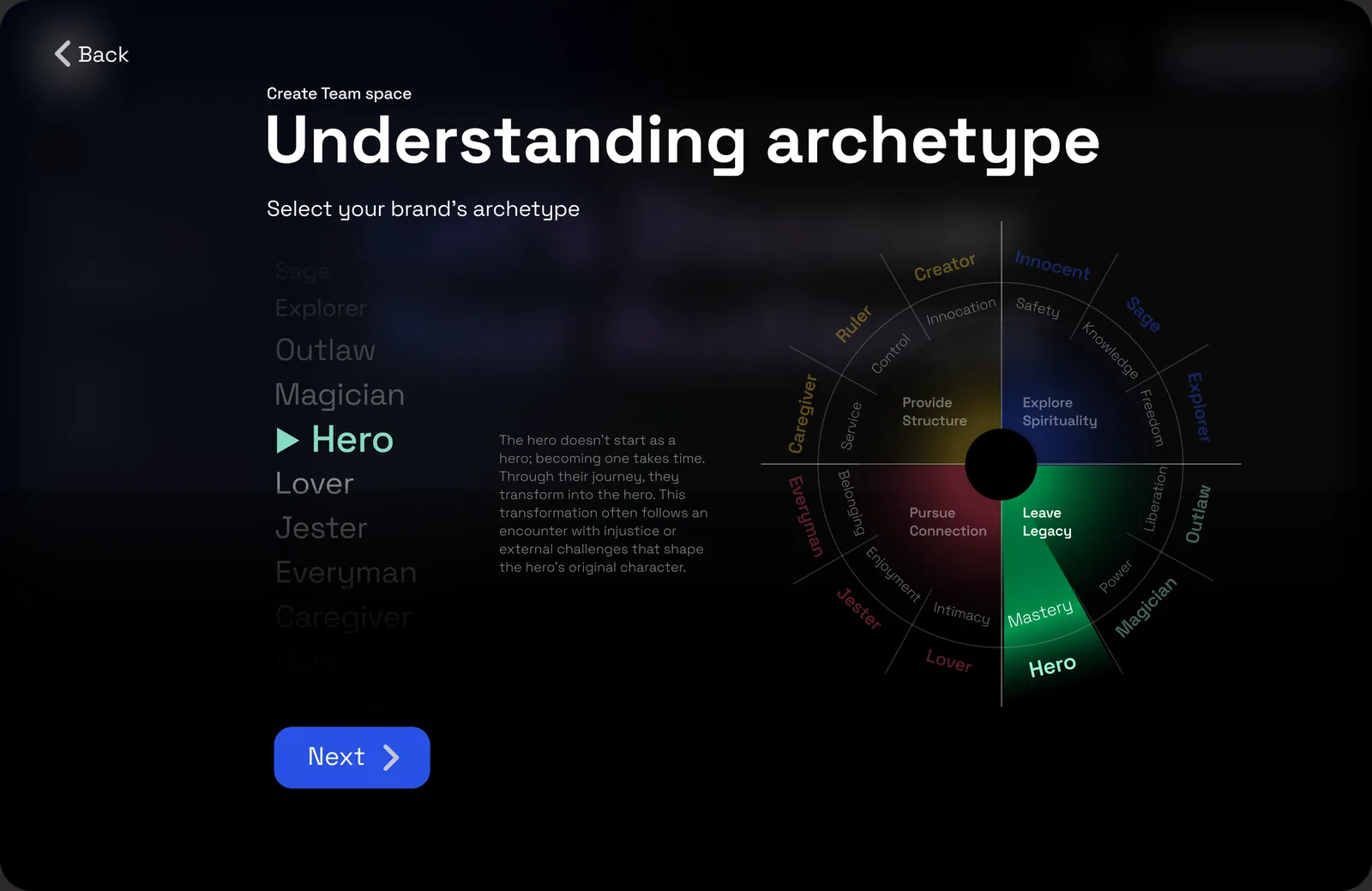
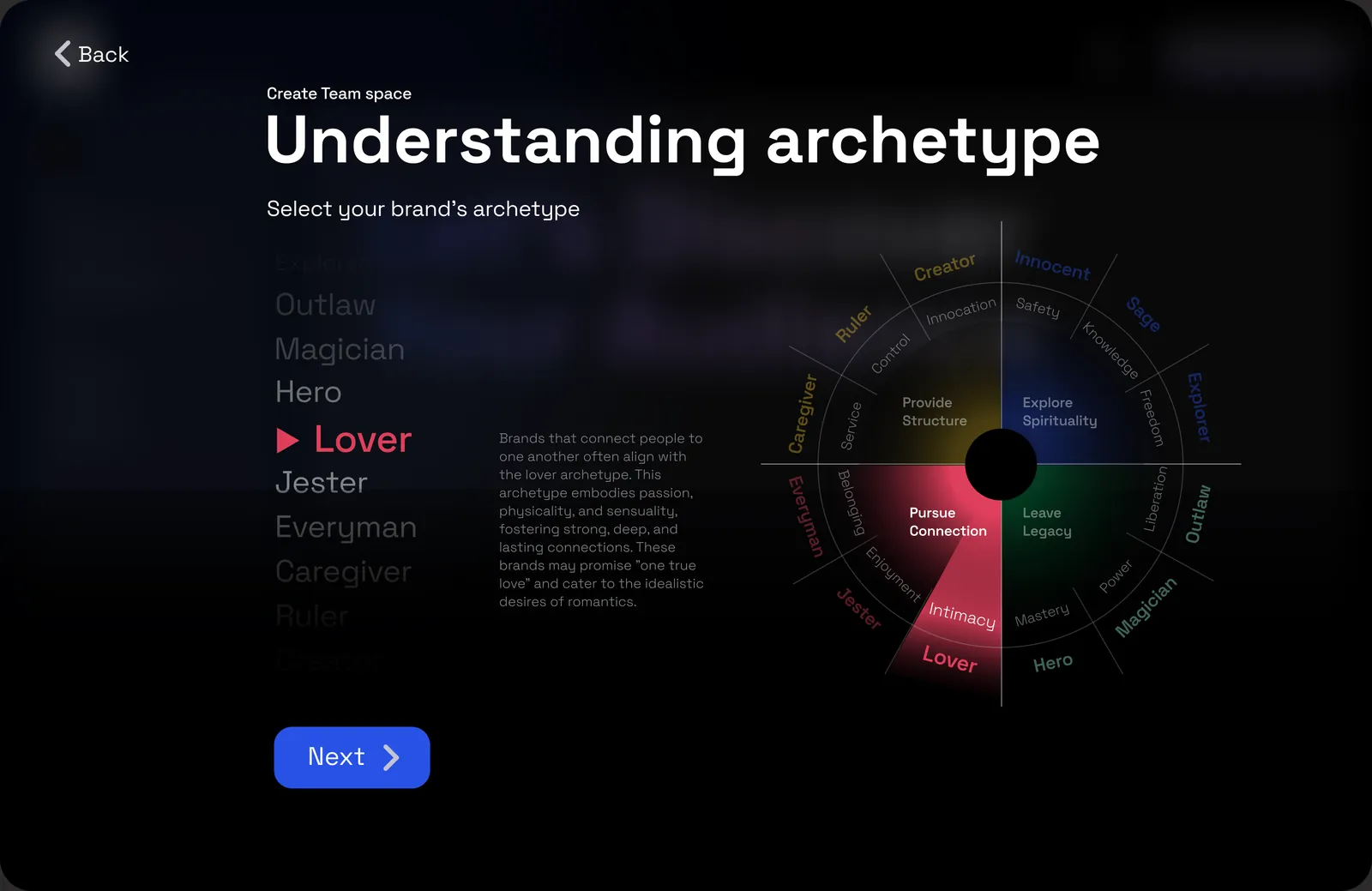
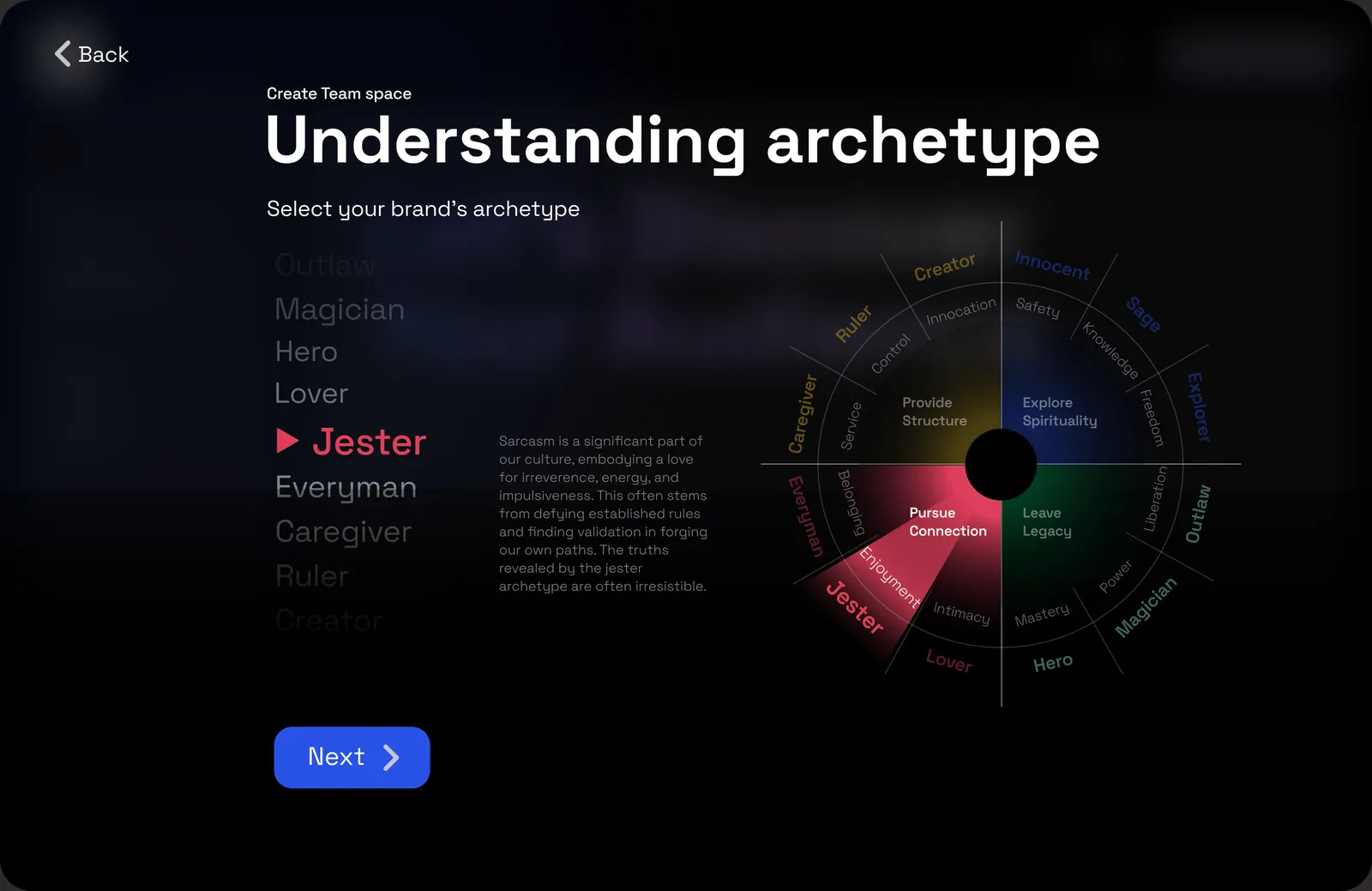
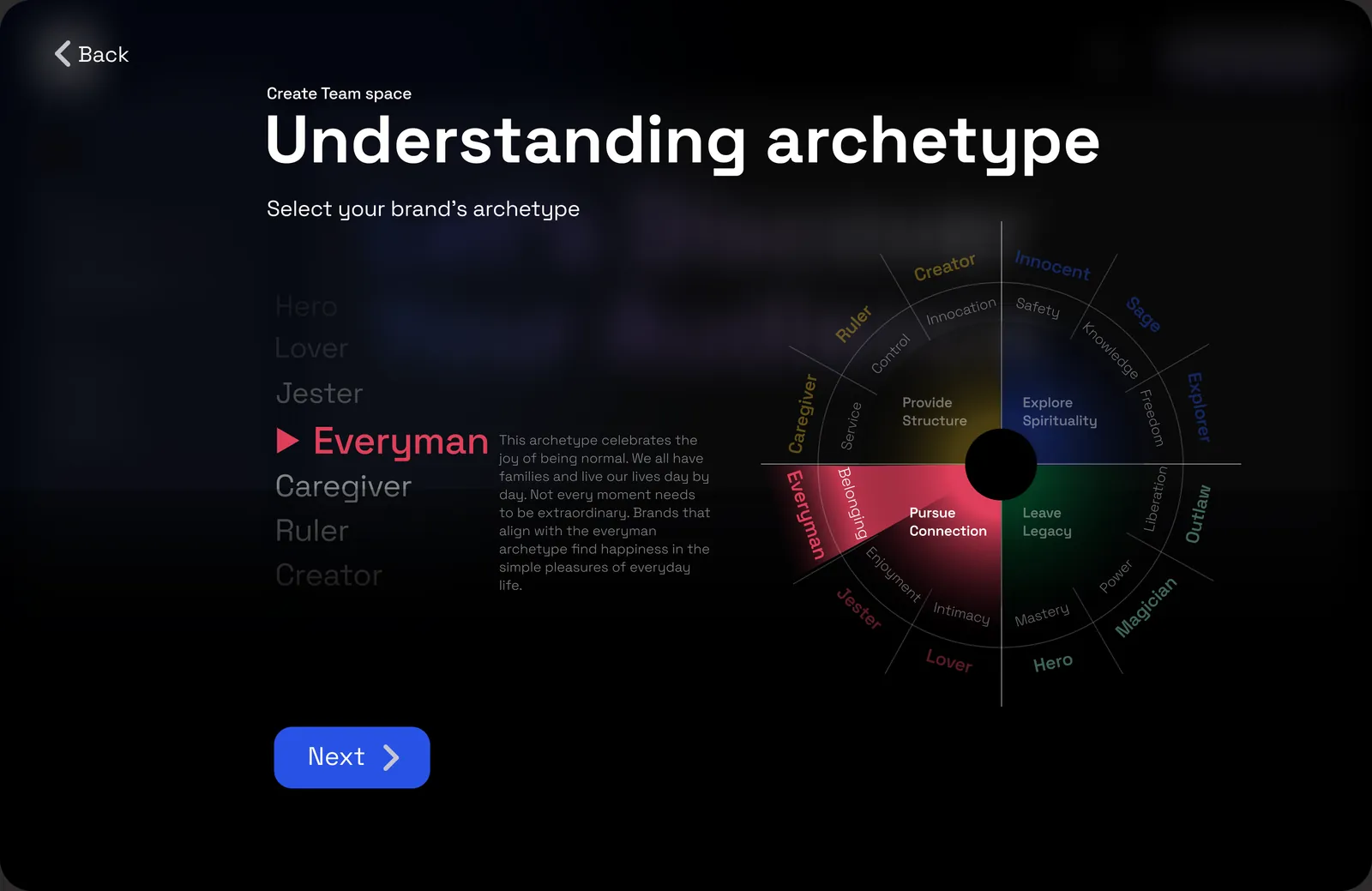
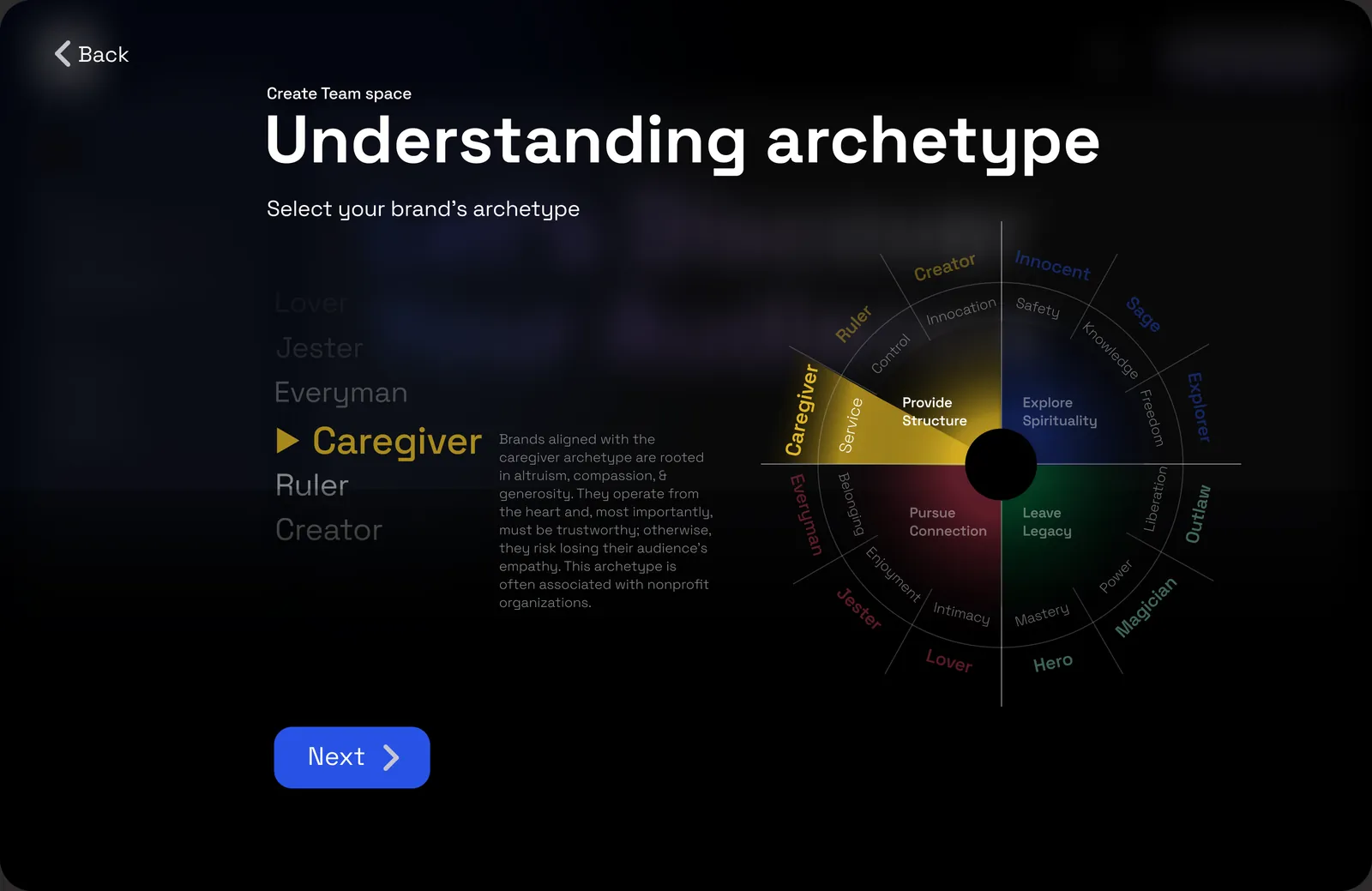
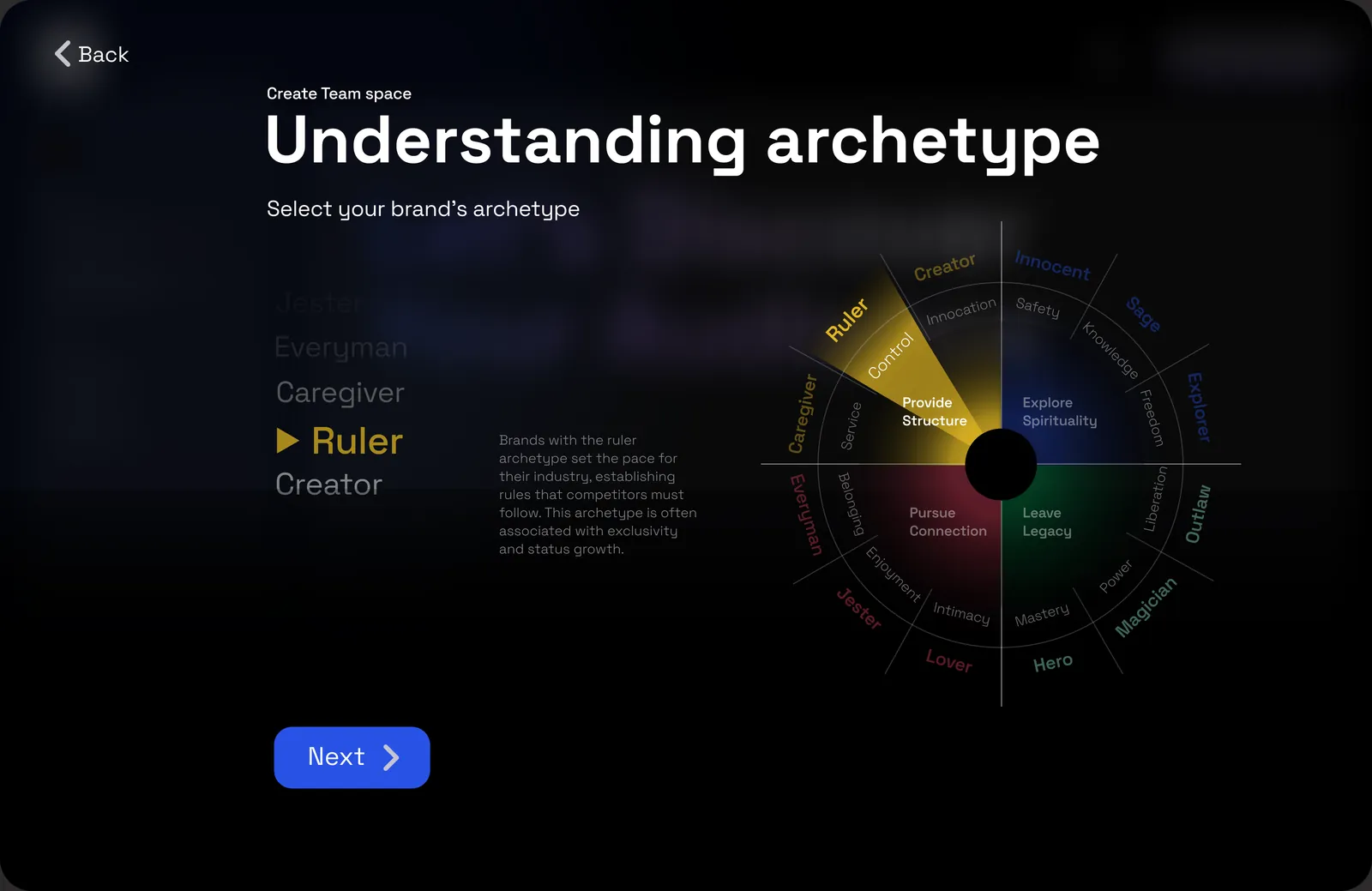
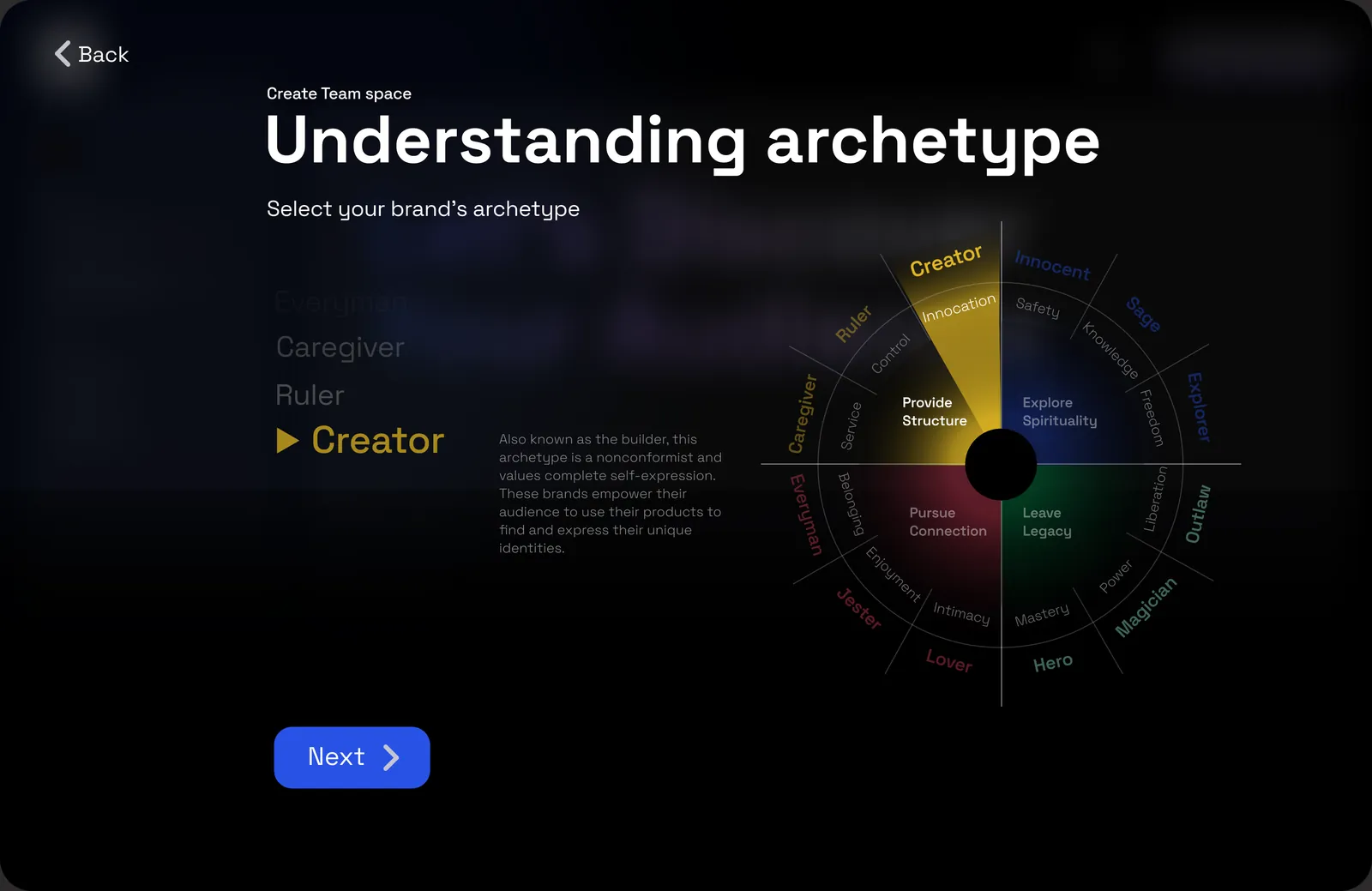
Twelve archetypes, one wheel.
- Innocent
- Sage
- Explorer
- Outlaw
- Magician
- Hero
- Lover
- Jester
- Everyman
- Caregiver
- Ruler
- Creator
Step 05 · Cube AI
The team talks. Cube AI listens.
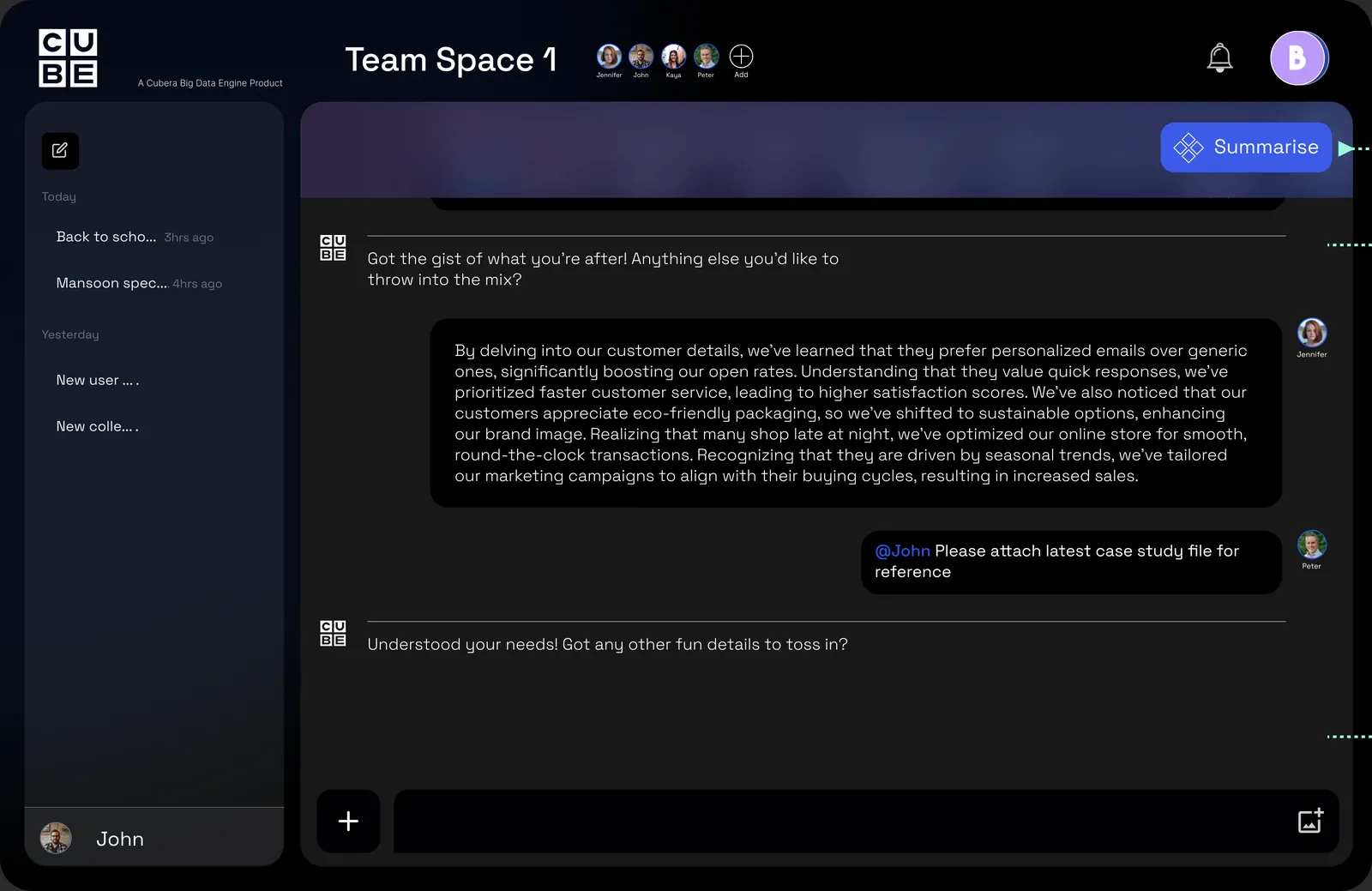
Teammates brainstorm in the space and tag each other for files. Cube AI joins the thread, asks for the details it is missing, and when the team is ready one button turns it all into a cohort.
- Brief in
The form answers, or an attached document, appear in the chat.
- Team talks
Members share ideas; Cube AI asks follow-up questions.
- Summarise
One button sends everything to Cube.
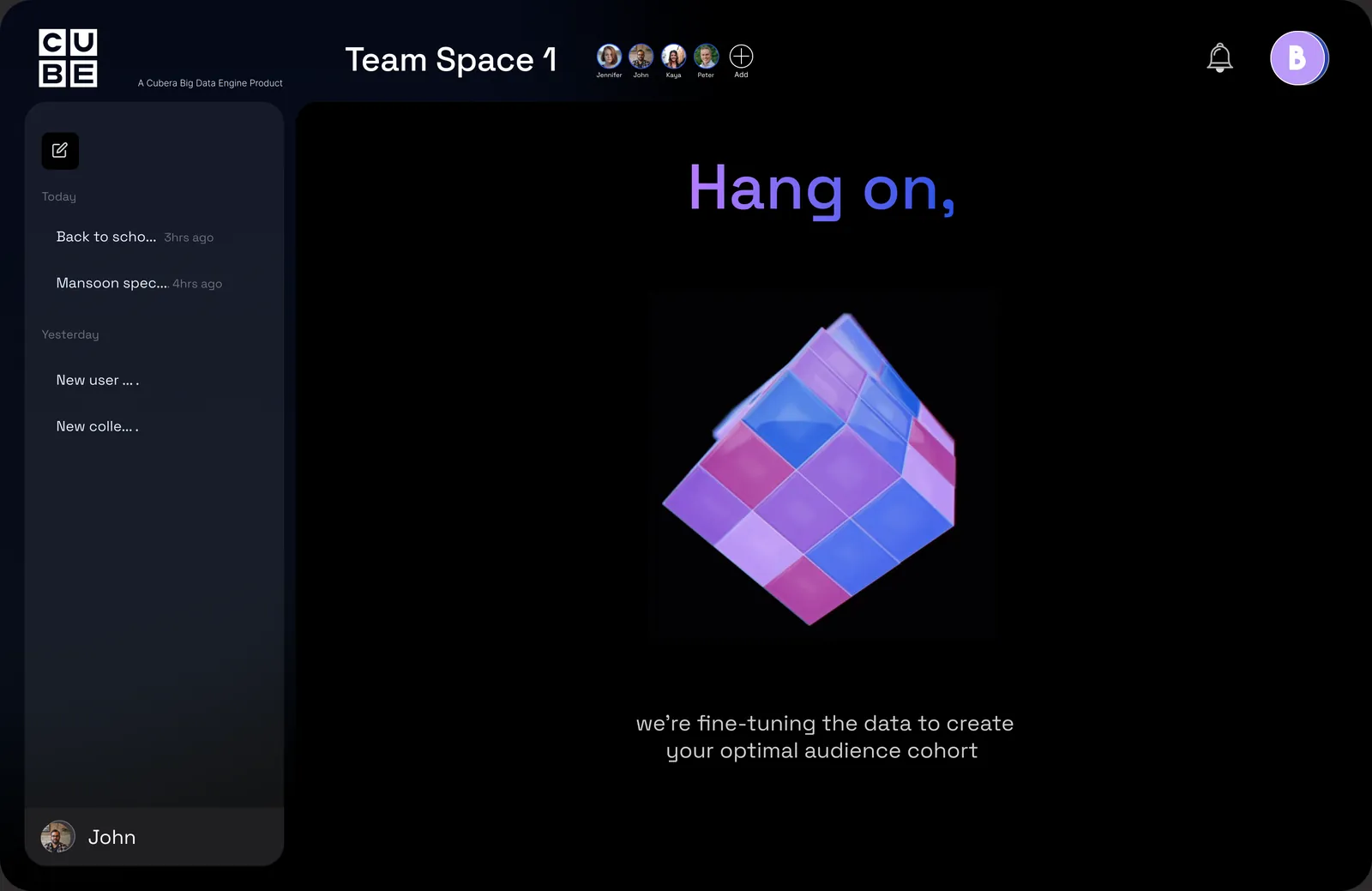
- Cohort out
A turning cube while the data is fine-tuned into an audience.